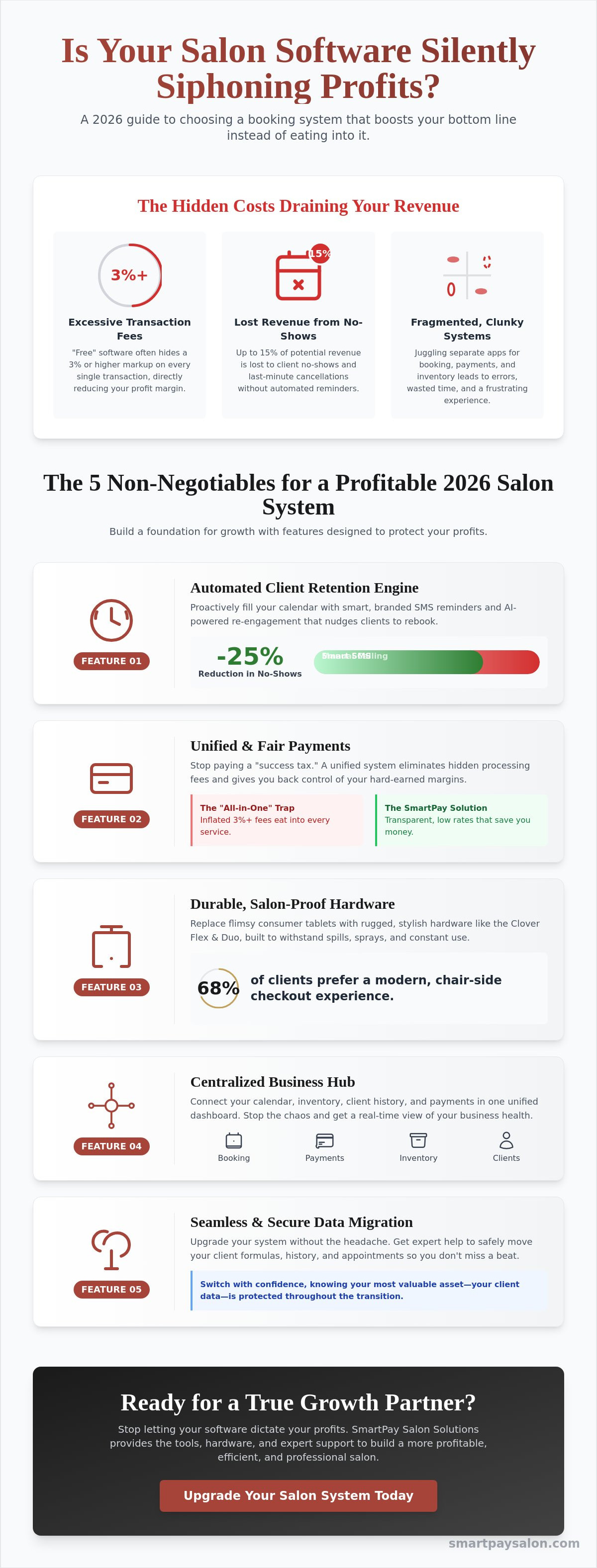
What if the very tool you bought to organize your life is actually the one quietly siphoning away your profit? After 30 years in the beauty industry and 20 years running my own shops, I've learned that not all salon scheduling software is built with the owner's bottom line in mind. You probably feel like you're constantly fighting a losing battle against fragmented systems that won't sync with your hardware. It's a common headache to see those 3 percent transaction fees eat into every haircut and color service you provide.
I know how it feels to work a twelve-hour shift and realize your tech provider is taking a bigger cut than you'd like. This guide will show you exactly how to choose a booking system that streamlines your calendar without sacrificing your hard-earned margins to hidden processing fees. We'll break down the best unified dashboards for 2026, explore how to eliminate credit card overhead, and look at the automated re-engagement tools that help recover the 15 percent of revenue typically lost to client no-shows.
Key Takeaways
- Stop thinking of your calendar as just a digital planner and see how a unified hub can handle your inventory and keep clients coming back.
- Find out how to pick a salon scheduling software that uses smart SMS and AI to keep your stylists busy without you having to micromanage the books.
- Learn why those popular "all-in-one" systems might be quietly eating your profits and how to take back control of your processing fees.
- Get a simple roadmap for moving your client formulas and history safely so you don't lose a beat when upgrading to a more seamless system.
- Discover how the right hardware and a little expert advice can turn those daily office headaches into a smooth, professional operation built for growth.
Beyond the Calendar: Why Salon Scheduling Software is Your Profit Engine in 2026
I started in this industry 30 years ago with a massive paper ledger and a pencil that never stayed sharp. After 20 years of owning my own shop, I can tell you that the way we view our tools has shifted completely. In 2026, your salon scheduling software isn't just a digital version of that old paper book. It's the central nervous system of your entire business. It's a management hub that connects your front desk, your back bar, and your bank account into one unified flow.
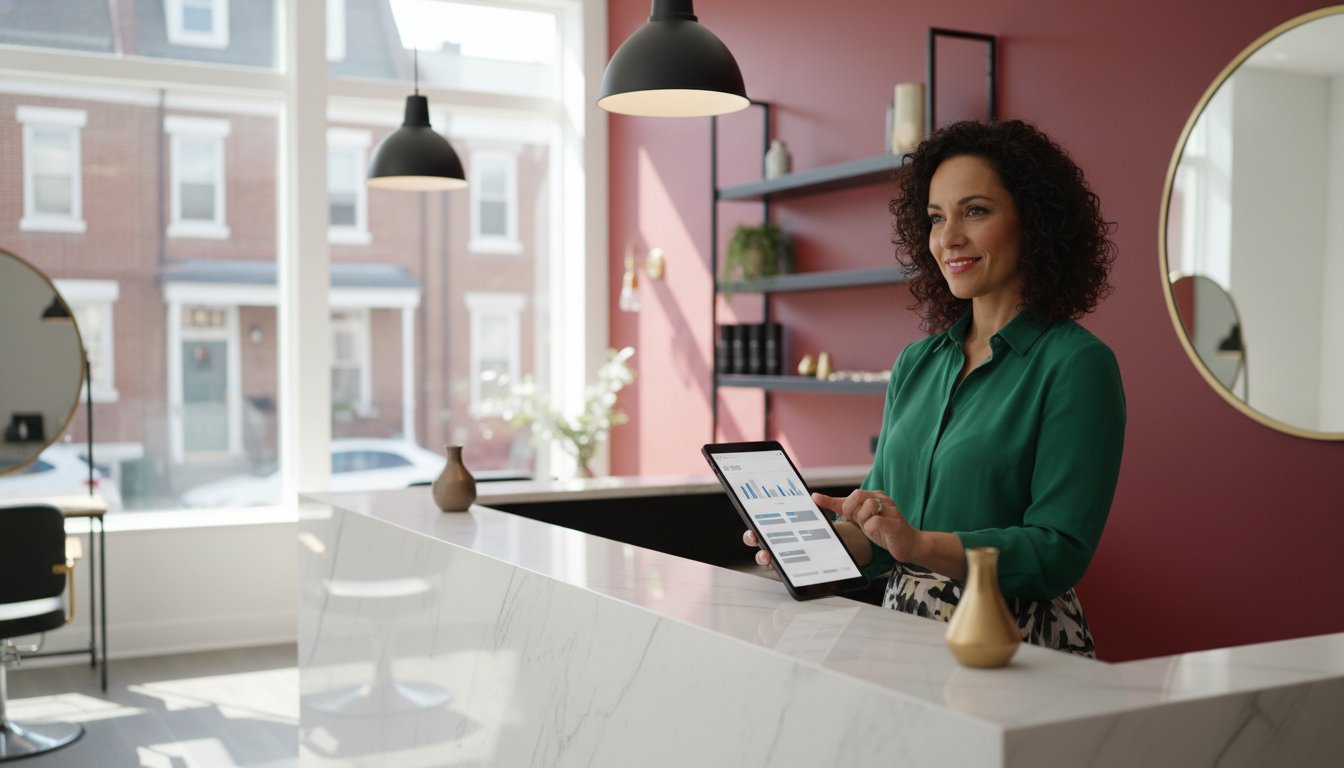
Modern systems have moved past simple booking. We're now looking at AI-powered tools that predict when a client is likely to churn and automatically send a re-engagement text. These platforms manage your inventory in real-time, so you never run out of developer mid-service. Using a comprehensive scheduling software stops the administrative chaos that keeps you at the desk long after the last client leaves. It replaces that heavy mental load with smart simplicity.
To better understand how these systems have transformed the industry, watch this helpful video:
The Evolution of Salon Management
We've moved from clunky desktop computers to cloud-based systems that give you real-time access from your phone while you're at the grocery store. By 2026, client expectations have hit a peak for instant gratification. Data shows that 82% of clients now prefer mobile-first booking because they want to schedule at 11 PM when your shop is closed. Automation now handles those "Stripe headaches" of manual entry and reconciliation. Instead of spending Sunday night matching receipts to appointments, the software does it for you instantly. This efficiency is the direct engine for your profitability.
Why "Free" Software Often Costs the Most
Stop falling for the "free" software trap. These versions usually hide costs in places that hurt your bottom line, like limited staff seats or the total lack of SMS reminders. Many free platforms charge a 3% or higher markup on every transaction, which eats your margins faster than a bad color correction. This is the SaaS trap where fees scale aggressively as your stylist team grows. I often suggest a Salon Profitability Consulting audit to identify these hidden overhead leaks. Choosing a tailored salon scheduling software built for our industry ensures you aren't paying a "success tax" just for growing your business.
5 Non-Negotiable Features for Your 2026 Salon Booking System
I’ve spent 30 years in the beauty industry, including 20 years as a business owner. I know the headache of a fragmented system. In 2026, your salon scheduling software shouldn't just be a digital calendar; it needs to be your most reliable employee. It should handle the heavy lifting so you can focus on your craft. Choosing the right tools is about more than just picking an app; it's about building a foundation that supports your stylists and protects your bottom line.
Automated Client Retention Engines
Branded SMS reminders are the backbone of a full book. They slash no-show rates by 25% compared to manual calling, which saves your front desk hours of tedious phone work. AI Re-engagement is the proactive tool for salon growth, identifying at-risk clients who haven't booked in their usual 6-week window and nudging them back with a personalized message. It’s like having a marketing expert who never sleeps, ensuring your chairs stay full without you lifting a finger.
Hardware That Survives the Salon Floor
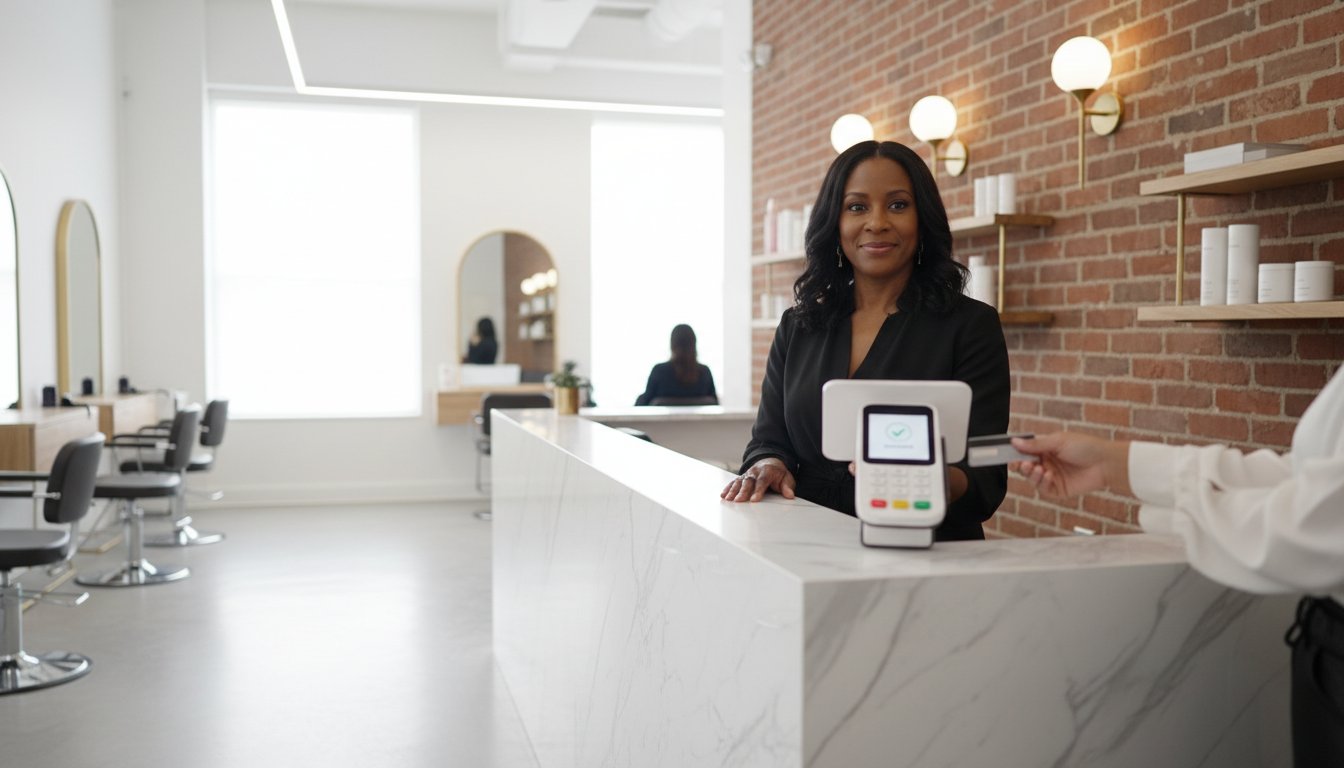
Consumer-grade tablets are great for home use, but they fail quickly when exposed to hairspray, color spills, and constant handling. When choosing business software, look for systems that pair with hardware built specifically for the salon environment. The Clover Station Duo is a powerhouse for reception desks, providing a professional hub for all transactions. For a more personal touch, the Clover Flex allows for chair-side checkout, which 68% of modern clients now prefer. It’s about matching smart software with rugged, stylish hardware that doesn't quit when things get busy.
- Unified Dashboards: Your system needs to sync stylist schedules with retail inventory in real-time. If a stylist sells a bottle of professional-grade shampoo at station four, your stock levels should update instantly across the entire shop.
- Client Visit History: Access robust color and formula notes from any station. No more hunting for paper cards or trying to remember a specific mix from three months ago; everything is digital and secure.
- Flexible Payment Processing: Don't let your salon scheduling software lock you into a single high-rate provider. You need the freedom to choose processing options that allow you to unlock salon savings while keeping your favorite features.
- Seamless POS Integration: Ensure your booking system talks directly to professional POS hardware like Clover or SumUp. This eliminates double-entry errors and makes end-of-day reporting a breeze.
When you unify these elements, the daily chaos of running a shop starts to fade. You move from just surviving the Saturday rush to actually managing your growth. It’s about working smarter, not harder, and letting the technology do the grunt work for you.
The All-in-One Trap: Balancing User Experience with Processing Costs
I've spent 30 years in the beauty industry, and 20 of those years were spent behind the owner's desk. I know the appeal of a sleek, white card reader and a "pretty" interface. Certain popular platforms became the perceived gold standard for salon scheduling software because they made everything look easy. However, there's a hidden cost to that convenience. When you don't control your own merchant account, you're essentially paying a "simplicity tax" on every single haircut and color service. For a high-volume salon, those fractions of a percent add up to a massive leak in your profit bucket.
Most owners focus on the monthly software subscription fee, which might be $50 or $100. They often overlook the transaction fees. If you're running a busy shop, your processing costs will dwarf your software costs by the end of the month. You deserve to look past the aesthetic and see the actual cost per swipe. Modern, fully compliant processing models are now a requirement in our national regulatory landscape. They offer the transparency that "all-in-one" giants often obscure.
Decoding Merchant Processing Fees
There are three main ways you get charged: flat-rate, tiered, and interchange-plus. Flat-rate is what the big tech companies love because it's easy to explain. You pay one high price regardless of the card type. Interchange-plus is different; it's the "wholesale" version of processing. It passes the actual cost from the card brand to you with a small, transparent markup.
Consider the math. A 1% difference in your effective rate might seem small. If your salon generates $500,000 in annual credit card sales, that 1% is $5,000 staying in your bank account. That is enough to fund a brand-new stylist station or a premium backbar upgrade every single year. This is why national salons are moving away from generic processors. They want specialized salon solutions that respect their margins.
Integrating Smarter Processing with Your Existing Software
You don't have to give up the software you love to get the rates you deserve. Many owners think they're stuck with one processor if they use a specific salon scheduling software. That's a myth. You can keep your front-end booking system while integrating a smarter, more cost-effective processing back-end. This creates a centralized dashboard where multi-location owners can track performance without the common frustrations or frozen funds often associated with general providers.
SmartPay Salon Solutions acts as the bridge here. It allows you to keep your workflow intact while upgrading your financial logic. Stop settling for "good enough" rates just because the software looks nice. Unlock salon savings by pairing your preferred tools with processing that's actually built for salons. It's about moving from corporate anonymity to a system that's powered by smart technology and tailored for your local growth.
How to Transition Your Salon Software Without Losing Data or Revenue
Switching your salon scheduling software feels like a massive headache. I've owned salons for 20 years, so I know the fear of losing a decade of color formulas or client notes. It's enough to make you stay with a clunky system way too long. But in 2026, the transition is much smoother if you follow a specific roadmap. Stop fearing the migration. Start building a better foundation for your growth.
- Step 1: Perform a data audit. Check if your current provider allows a full CSV export. You need every client’s visit history and those precious formulas. A 2025 study found that salons lose an average of 15% of their client data during unassisted migrations, so verify your files before you flip the switch.
- Step 2: Choose hardware for your layout. Don't just buy a tablet and hope for the best. Pick hardware that supports your specific floor plan and your new, optimized processing model.
- Step 3: Train for buy-in. Show your team the "smart" features. When stylists see how the AI-powered re-engagement tools fill their gaps, they'll embrace the change.
- Step 4: Implement a Cash Discount Program. This is the secret to immediate ROI. By rewarding cash-paying clients, you can offset your software and processing costs from day one.
- Step 5: Monitor the first 30 days. Review your "Smart" data every week. Look for operational savings. Most owners find they can cut 10 hours of manual admin work in that first month.
Migrating Client Data Safely
Moving 5,000 client profiles shouldn't result in business downtime. Stylist loyalty lives or dies by how easy you make their jobs. If they can't find a client's history on Monday morning, you've got a problem. This is why professional setup and merchant account integration is a must-have service. Don't try to DIY your database. A professional migration ensures your salon scheduling software is ready to go before your first cup of coffee on opening day.
Communicating Changes to Clients
Frame this upgrade as a win for the client. It’s not just "new software," it’s a "smarter experience." The psychology of a Cash Discount Program is simple: people love being rewarded. Instead of raising service prices across the board, you’re giving them a choice. Use this script to help your stylists feel confident at the chair:
"We’ve upgraded our system to keep our service prices stable for you. If you pay with cash today, you’ll actually receive a direct discount on your total. It’s our way of keeping things local and simple."
Ready to stop the tech headaches and start saving? Discover how SmartPay Salon Solutions makes the switch seamless.
SmartPay Salon Solutions: The Growth Partner for Modern Beauty Professionals
I've spent thirty years in the beauty industry, with twenty of those years running my own shops. If there's one thing I've learned, it's that the best salon scheduling software won't save your business if your payment processing is quietly eating your lunch. Most vendors treat you like a number on a spreadsheet. SmartPay feels different because they act like a specialized ally. They understand those unique salon-specific headaches, like trying to reconcile a messy day of back-to-back balayage appointments while fighting with a generic card reader that just won't sync.
Built for Salons, Powered by Smart Technology
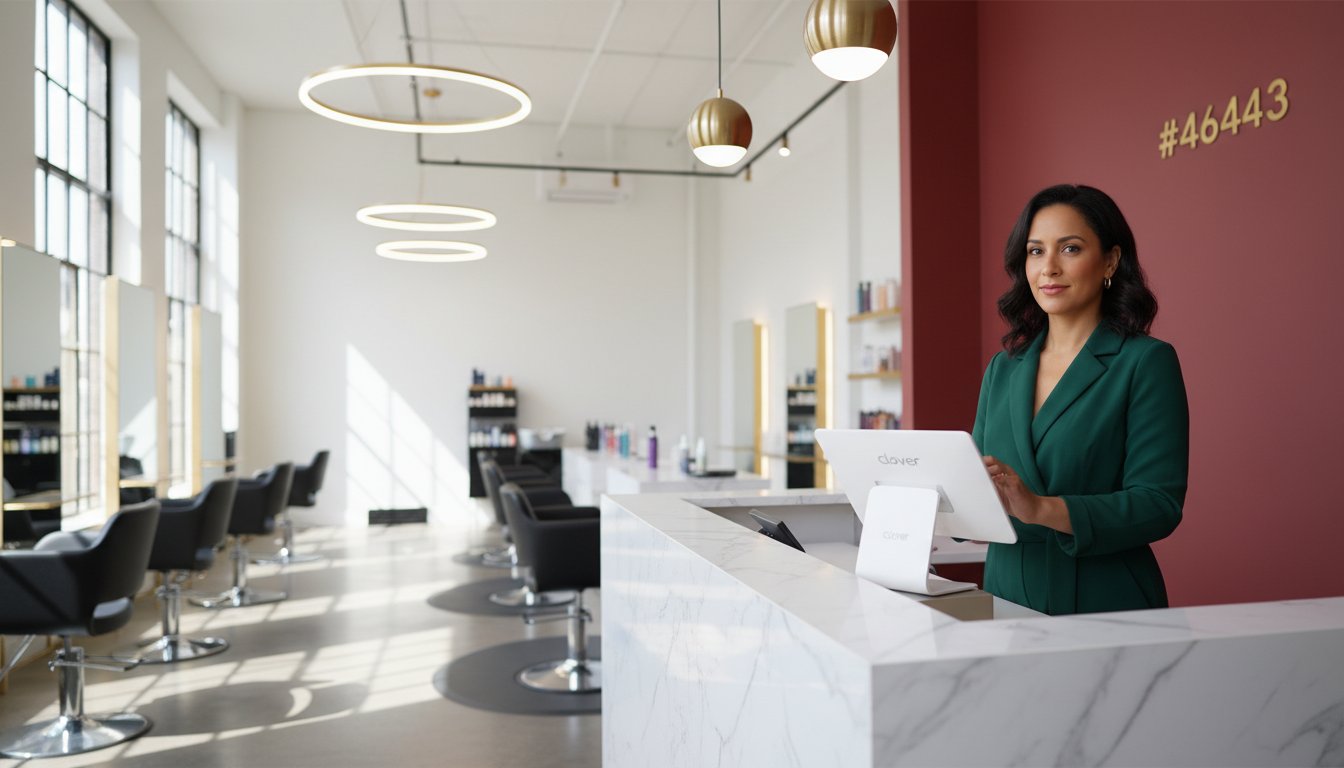
The hardware you choose defines the flow of your workspace. Whether you have a compact two-chair boutique or a sprawling multi-location spa, the footprint matters. The Clover Station Solo offers a command center feel for large front desks, providing a clear view of your daily operations. For those who prefer a minimalist look, the Clover Mini keeps things sleek without sacrificing power. These aren't just pretty screens; they're gateways to Next-Day Funding. In a 2024 industry survey, 62% of small business owners cited cash flow as their primary stressor. Getting your money the next day keeps your payroll on track and your inventory shelves stocked. SmartPay isn't some faceless corporate entity. They function as a modern specialist, providing the kind of localized support that big platforms like Stripe simply can't match. It's about having a partner who knows why a fifteen-minute gap in your calendar is a disaster for your bottom line.
Maximizing Your 2026 Profitability
Every salon has profit leaks. These are the tiny fractions of a percent and hidden fees that quietly drain your bank account every month. By 2026, the most successful owners will be the ones who move toward a unified management environment where salon scheduling software and payments live under one roof. The SmartPay Cash Discount Program is a significant part of this shift. It can increase a salon's net annual profit by 3% to 5% just by shifting the cost of processing. If your shop is doing $500,000 a year, that's an extra $15,000 to $25,000 back in your pocket. That's money for new chairs, better backbar products, or a well-deserved vacation. This unified approach stops the double-entry errors that plague so many of us at tax time. It's about working smarter, not harder. I always suggest starting with a simple, no-pressure merchant audit to see where you're actually losing money. Unlock your salon’s true profit potential with a SmartPay audit today.
Take Control of Your Salon’s Future Today
Choosing the right salon scheduling software is about more than just filling gaps in your day. It's about protecting your bottom line and making sure your hard work actually stays in your pocket. We've looked at how the right system acts as a profit engine by balancing a smooth user experience with smart processing choices. You don't have to fall into the trap of high fees just to get the convenience of a modern calendar.
I've spent 30 years in this industry and 20 of those as a business owner, so I know the headache of fragmented tools and rising costs. As authorized Clover and SumUp partners, we are specialized Square integration experts who help you eliminate up to 100% of your credit card processing fees. It's all about moving your data safely and setting up a system that works for your specific needs. You've worked hard to build your brand, and your software should be a partner in that growth, not a hurdle.
Discover the Smart way to run your salon and stop paying unnecessary fees.
You have the talent and the drive, and with the right tools in place, there's nothing stopping your salon from reaching its full potential in 2026.
Frequently Asked Questions
What is the best salon scheduling software for a small booth renter vs. a large salon?
Solo booth renters thrive with lightweight apps like GlossGenius, but 10-stylist salons need the heavy-duty power of Meevo or Forest. Large operations require multi-column scheduling and intricate payroll features that basic apps lack. In my 30 years of experience, I've seen big shops fail because their software couldn't handle 50 appointments a day. Choose a system that matches your current scale and your 2026 growth goals.
How do I integrate my current scheduling app with a new merchant account?
You can integrate a new merchant account by entering your gateway credentials or API keys into the integrations menu of your salon scheduling software. Most modern platforms are designed to be processor agnostic, which gives you the freedom to shop for better rates. If you're facing Stripe headaches or high fees, swapping the backend payment provider is a smart move that keeps your booking process exactly the same.
Can I use Clover hardware with my existing salon software or Square account?
Clover hardware is proprietary and won't function with Square or other non-compatible software systems. You must have a merchant account specifically built for Clover to activate the device and process payments. During my 20 years as a salon owner, I've seen many pros buy used hardware online only to find it's locked. Always verify compatibility with your tech-savvy consultant before investing in new countertop terminals.
What is a Cash Discount Program and is it legal for my salon to implement?
Cash Discount Programs are fully legal in all 50 states following the 2010 Durbin Amendment, as long as you post clear signage at the entrance and register. These programs let you reward cash-paying clients while passing processing costs to those using credit. It's a compliant way to protect your profit margins. Roughly 80 percent of clients accept this change easily when they realize it helps keep their favorite stylist in business.
How much can I save by switching from a flat-rate processor like Square?
Shifting from a flat-rate processor like Square to a tailored merchant account saves the average salon between 0.5 percent and 1.5 percent per transaction. On a 500,000 dollar annual volume, that's an extra 7,500 dollars in your pocket every year. Stop settling for one size fits all pricing that eats your profit. A unified dashboard with lower rates provides the financial relief you need to finally grow your business faster.
How do I handle no-shows and cancellations effectively through my scheduling software?
Require a credit card on file and use Branded SMS reminders to cut your no-show rate by up to 75 percent. Your salon scheduling software should automatically send a text 24 hours before the appointment to confirm the time. If someone still misses their slot, use AI-powered re-engagement tools to send a "we miss you" message. This automated approach replaces the chaos of manual calling and keeps your chairs full without the stress.
Does SmartPay Salon Solutions provide technical support for hardware setup and migration?
SmartPay Salon Solutions offers 100 percent white-glove support to handle your hardware setup and client data migration. We act as your growth partner to ensure the transition is seamless and skip the usual tech headaches. Our team understands that you don't have time to be an IT expert. We provide the local, approachable support you need to get your new smart system running while you focus on your stylists.
What happens to my client data and formulas if I decide to switch software providers?
You own your client list and color formulas, and you can typically export them into a CSV file from your current provider. Most reputable software companies allow this, but you should check your contract for any restrictive clauses before starting the move. I recommend doing a manual backup on the 15th of every month. This ensures your 20 years of hard-earned client history stays safe regardless of which platform you use.